Instant Alerting System
Real-time uptime monitoring for everyone. Get notified the moment your infrastructure stumbles.
Configure Alerts Read DocumentationSupported Notification Channels
Choose how your team gets notified. SitePulse integrates with the tools you already use to ensure zero downtime goes unnoticed.
Direct Text Messaging
Receive instant alerts via Twilio-powered SMS. Supports international routing and delivers within 800ms to major carriers like Verizon, AT&T, and Vodafone.
SMTP & Transactional
Detailed incident reports delivered to your inbox. Compatible with SendGrid, Amazon SES, and custom SMTP servers with DKIM verification.
Workspace Integration
Push alerts directly to designated channels or DMs. Includes rich formatting, incident severity badges, and one-click acknowledgment links.
Custom API Endpoints
Send JSON payloads to any HTTP endpoint. Supports retry logic, HMAC signature verification, and custom headers for secure pipeline integration.
Enterprise Incident Routing
Seamlessly sync with PagerDuty services. Automatically creates incidents, assigns on-call engineers, and syncs resolution status in real-time.
Smart Escalation & Quiet Hours
Stop alert fatigue. Configure intelligent routing that escalates only when necessary and respects your team's schedule.
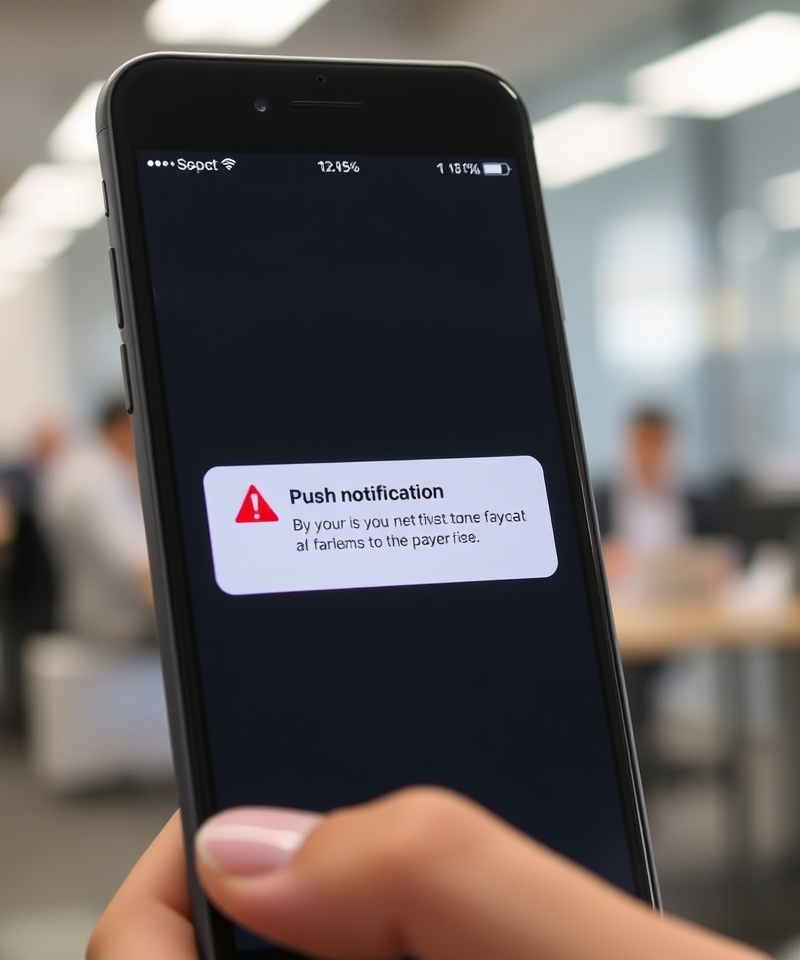
Define multi-tier escalation policies that automatically notify secondary responders if primary contacts don't acknowledge within a set window. For example, if a Tier-1 engineer misses a critical database timeout alert for 15 minutes, SitePulse automatically pages the infrastructure lead and triggers a conference bridge. Pair this with customizable quiet hours to suppress non-critical warnings between 10 PM and 7 AM, ensuring your team only wakes up for P1 incidents like payment gateway failures or DNS propagation errors.
Step-by-Step Alert Configuration
Get your notification pipeline live in under three minutes. No complex SDKs or external dependencies required.
Select Your Monitored Assets
Navigate to the Monitoring dashboard and toggle alerting for your active endpoints. Assign severity levels like Critical, Warning, or Info based on business impact.
Connect Notification Channels
Add your team's phone numbers, email addresses, or Slack workspace URLs. SitePulse validates credentials instantly and sends a test ping to verify delivery.
Define Escalation Rules
Map responders to severity tiers. Set acknowledgment timeouts, configure quiet hour windows, and enable auto-acknowledgment for resolved incidents.
Activate & Test
Flip the master alert switch and trigger a manual test incident. Review the delivery log to confirm timestamps, channel success rates, and responder latency.